TRUSTED BY


Save reps 6+ hours per week on admin work
Automatic & Manual
Choose automatic or manual updates
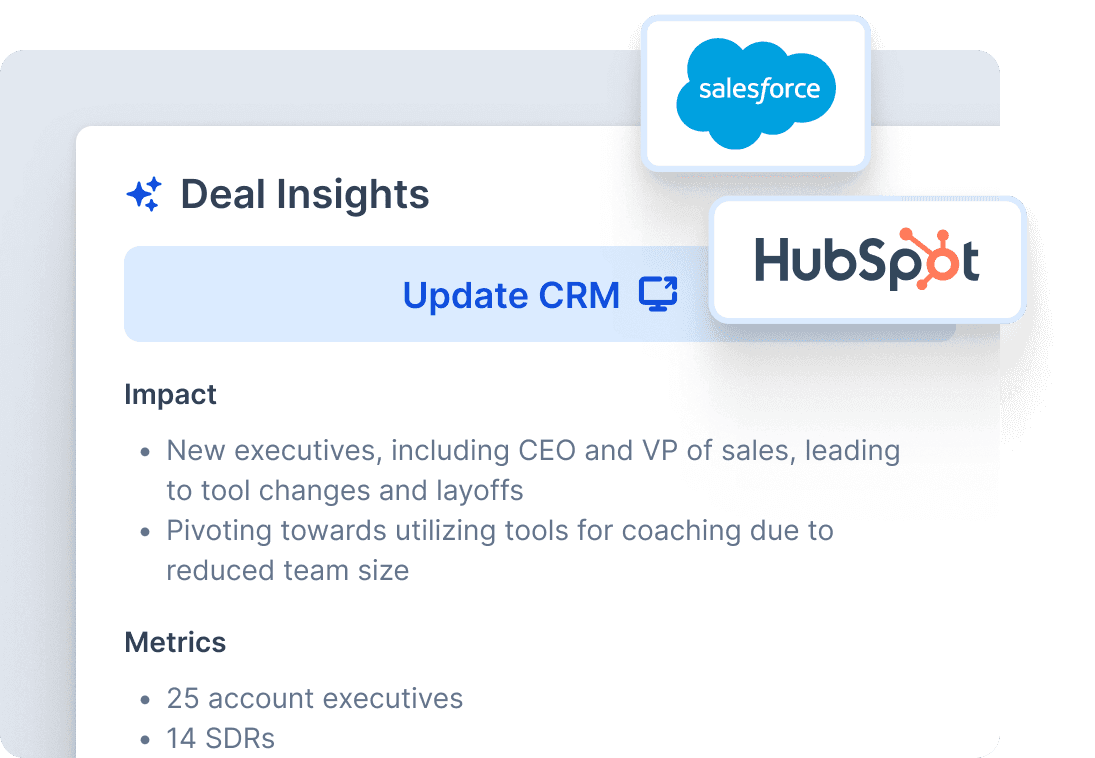
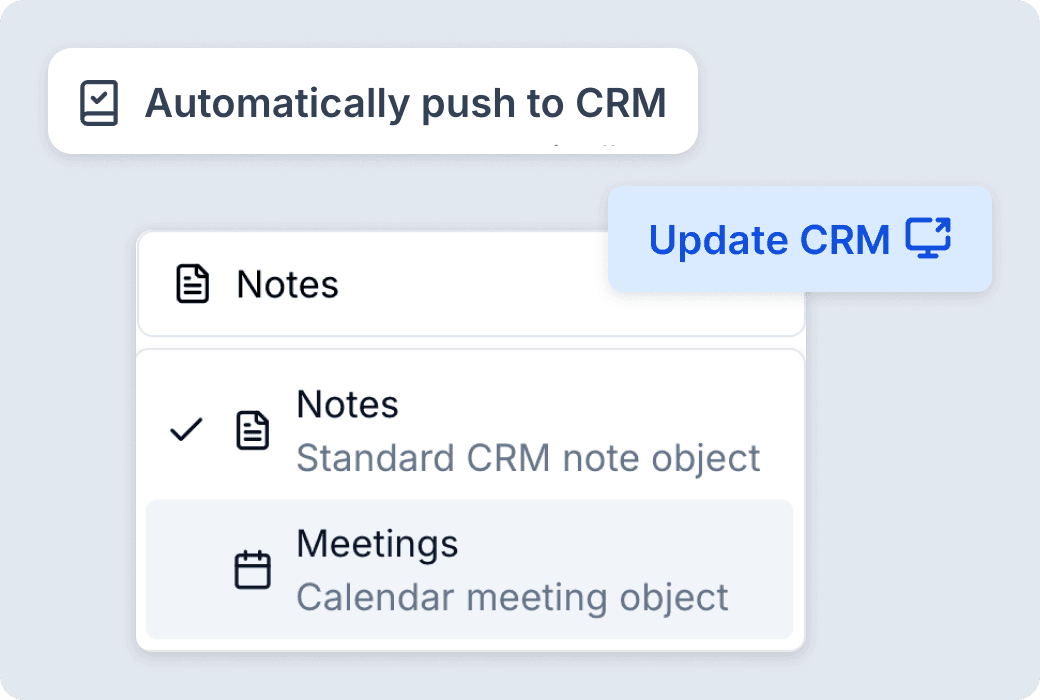
Push data to the CRM automatically or review and edit before sending. Update properties, notes or meetings—whatever fits your team’s workflow.
Push data to the CRM automatically or review and edit before sending
Update properties, notes or meetings—whatever fits your team's workflow
Frequently asked questions
- What is Autofill CRM in Triple Session?
- Autofill CRM automatically matches every sales call to the right deal, contact, and company record in your CRM, then generates and syncs call summaries and deal insights — eliminating manual note-taking after calls. Every CRM property is fully configurable — teams decide per field whether updates happen automatically, require rep confirmation, or are skipped entirely, giving complete control over how much gets automated.
- Which CRMs does Autofill CRM support?
- Triple Session natively supports HubSpot and Salesforce. All calls can be automatically matched to Deals, Contacts, and Companies within either platform. Support for additional CRMs via the Automations platform (using webhooks) is on the roadmap.
- Does CRM updating happen automatically, or do reps need to confirm?
- Both options are available — and you can configure them per field. Meeting summaries and deal insights can be pushed automatically as soon as a call ends. For CRM property updates, you define the behavior at the field level: set a property to update automatically, require a rep to confirm before syncing, or leave it unmanaged entirely. This gives teams full control over what gets automated and what stays under human review.
- How does Triple Session match calls to the right CRM records?
- The system uses call metadata — such as participant emails, meeting links, and attendee information — to automatically identify the correct deal, contact, and company. When multiple potential matches exist, it applies a priority order: Deal first, then Contact, then Company.
- Will Autofill CRM overwrite existing data in our CRM?
- That depends on how you configure each field. For every CRM property Triple Session manages, you choose one of three behaviors: update (enrich or append to existing data), replace (overwrite with the latest value), or ignore (skip the field if data already exists). This means you get exactly the level of automation that fits your data governance needs — no blanket overwrites unless you explicitly want them.
- What data gets pushed into the CRM?
- Customers can configure what flows in: call summaries, deal insights derived from scorecard results, or both. This means CRM records are not just updated with generic notes — they contain coaching-quality insights tied to your actual sales process.
- What if we don't use HubSpot or Salesforce?
- Today, native support is limited to HubSpot and Salesforce. For teams using other CRMs, the Automations platform enables updates to any CRM via webhooks — allowing full customization of how call data flows into your system of record.
